The AI agent map: what each one can do without asking you
I measured nine AI agents as they come installed. The Observatory map shows how much each one can do without asking you, and why.

I measured nine AI agents as they come installed. The Observatory map shows how much each one can do without asking you, and why.
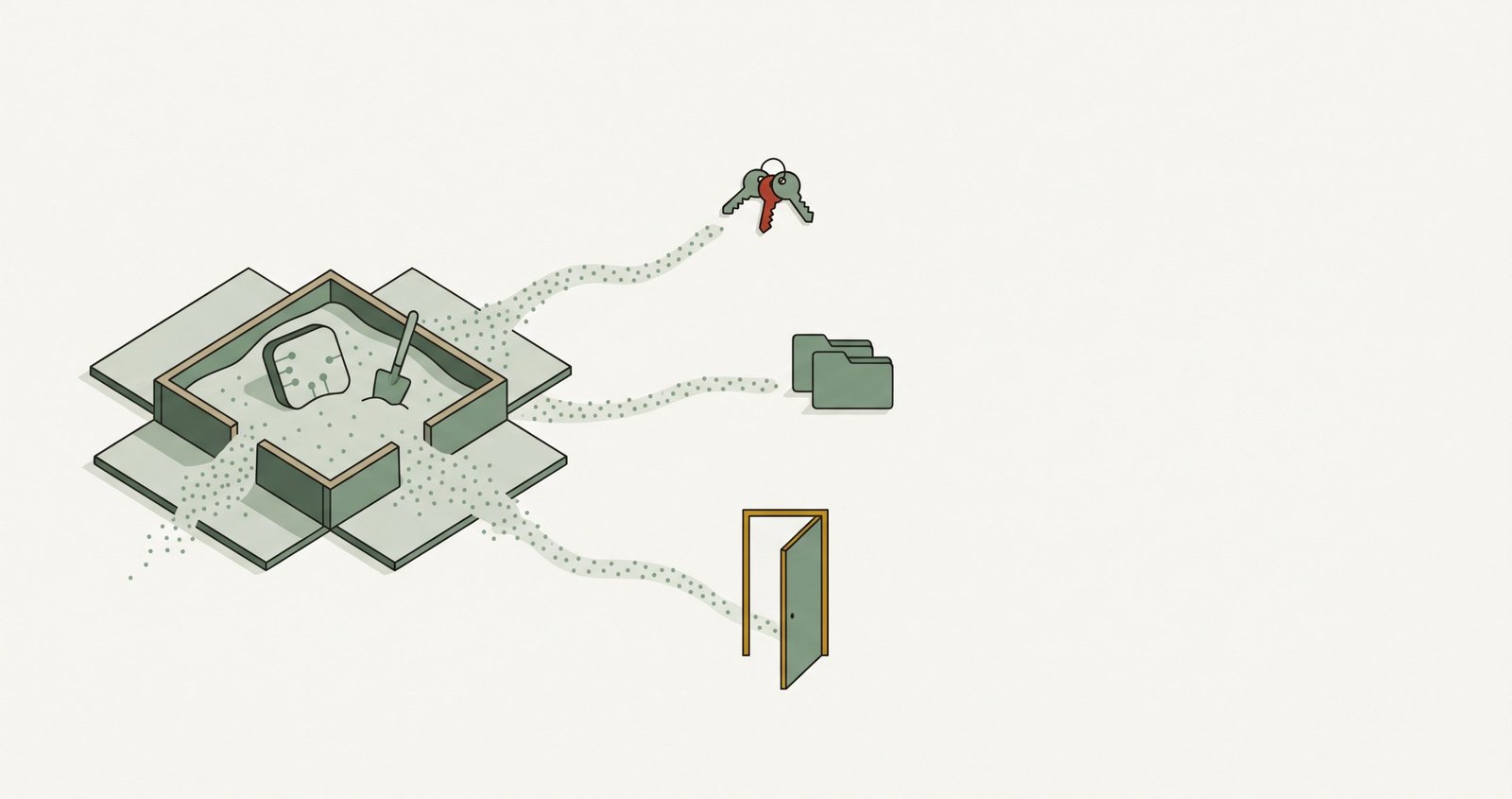
We saw it going through the documentation of the nine agents RosmarOps evaluates. And something came up that worries me more: turning it on isn’t always enough.

RosmarOps now scores nine AI agents, looks for your projects across your whole folder, only interrupts you when something changes, and tells you inside Claude Code. Here’s what you get with 0.11.6, and what it still doesn’t do.
Microsoft has approved RosmarOps on its Store. On Windows it now installs in one click and without the blue «Windows protected your PC» window. Here’s how it went, and what 0.11 brings.

I build, with AI agents, a tool to use AI agents more carefully. This week its bugs were the same ones RosmarOps looks for in yours. This is how we turned each one into a permanent piece of the system.
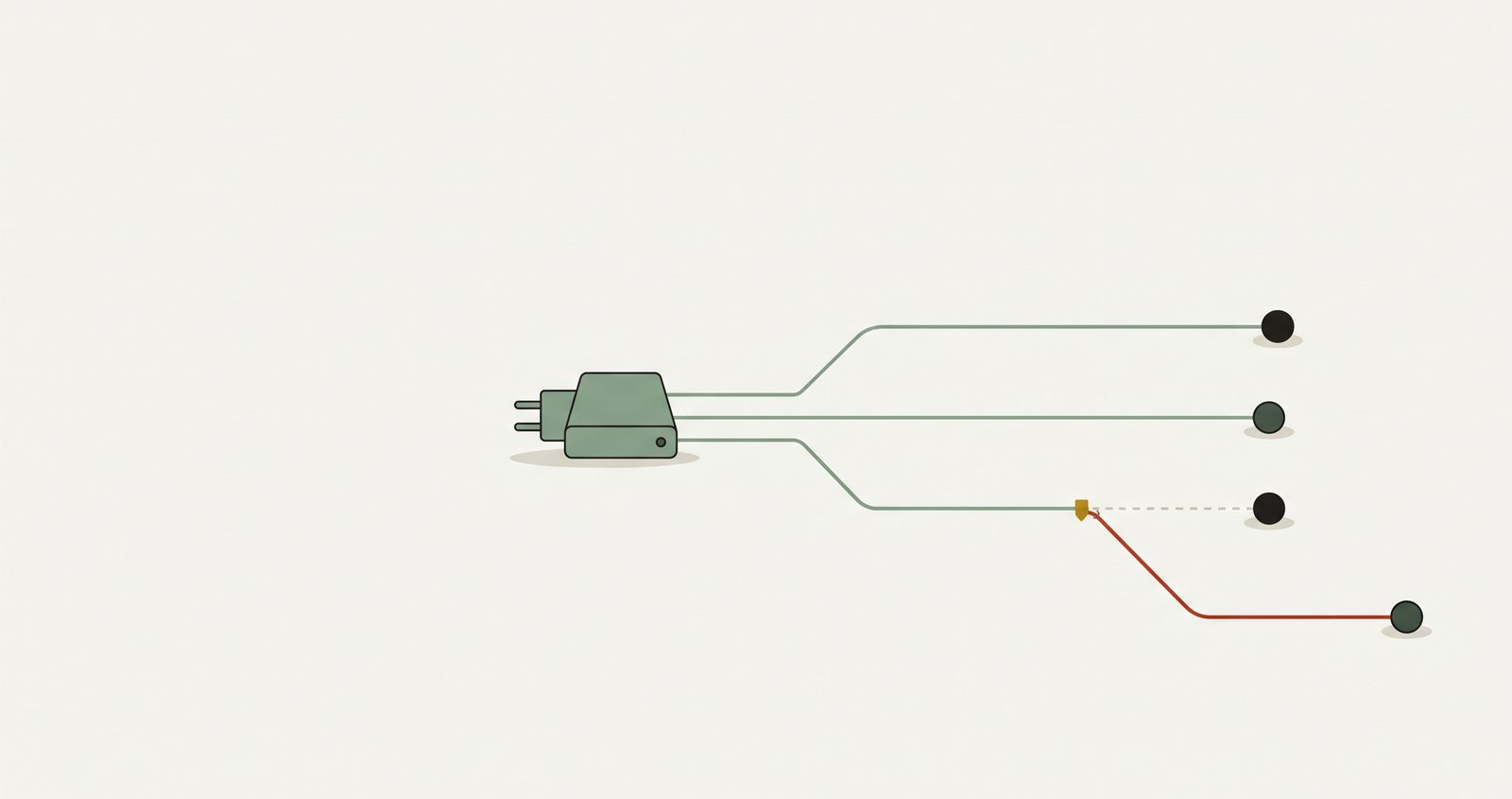
RosmarOps 0.4.0 records where each MCP server sends data and warns when a server starts pointing somewhere else. Still no networking code.
RosmarOps 0.3.0 detects four more AI agents, shows which of your agents can read the keys they keep, and is harder to fool. Still no networking code.

RosmarOps is out for Windows: a local, read-only map of what Claude Code and Cursor can reach on your machine. No networking code, no telemetry.