The AI agent map: what each one can do without asking you
I measured nine AI agents as they come installed. The Observatory map shows how much each one can do without asking you, and why.

I measured nine AI agents as they come installed. The Observatory map shows how much each one can do without asking you, and why.
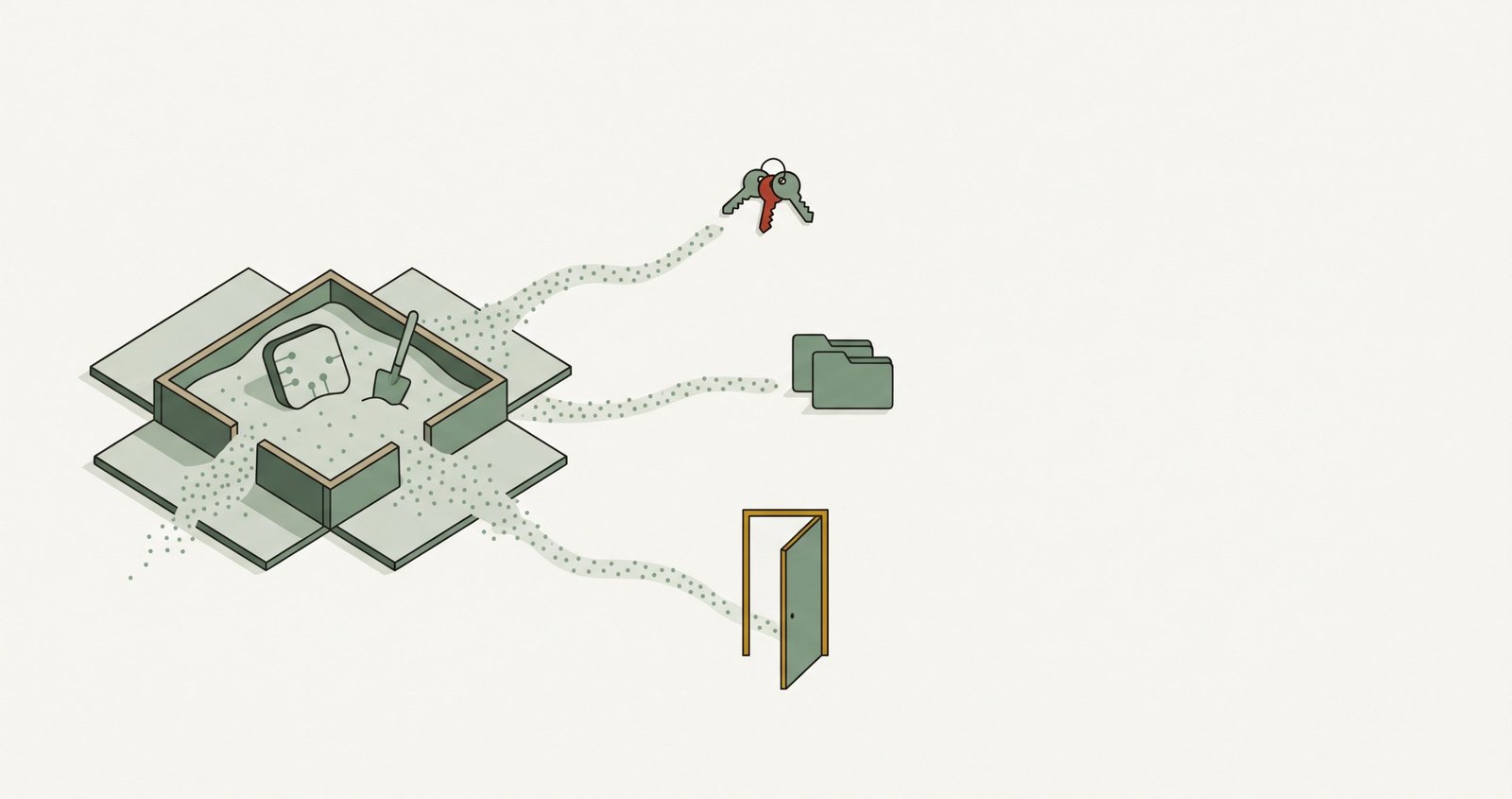
We saw it going through the documentation of the nine agents RosmarOps evaluates. And something came up that worries me more: turning it on isn’t always enough.

RosmarOps now scores nine AI agents, looks for your projects across your whole folder, only interrupts you when something changes, and tells you inside Claude Code. Here’s what you get with 0.11.6, and what it still doesn’t do.
Microsoft has approved RosmarOps on its Store. On Windows it now installs in one click and without the blue «Windows protected your PC» window. Here’s how it went, and what 0.11 brings.
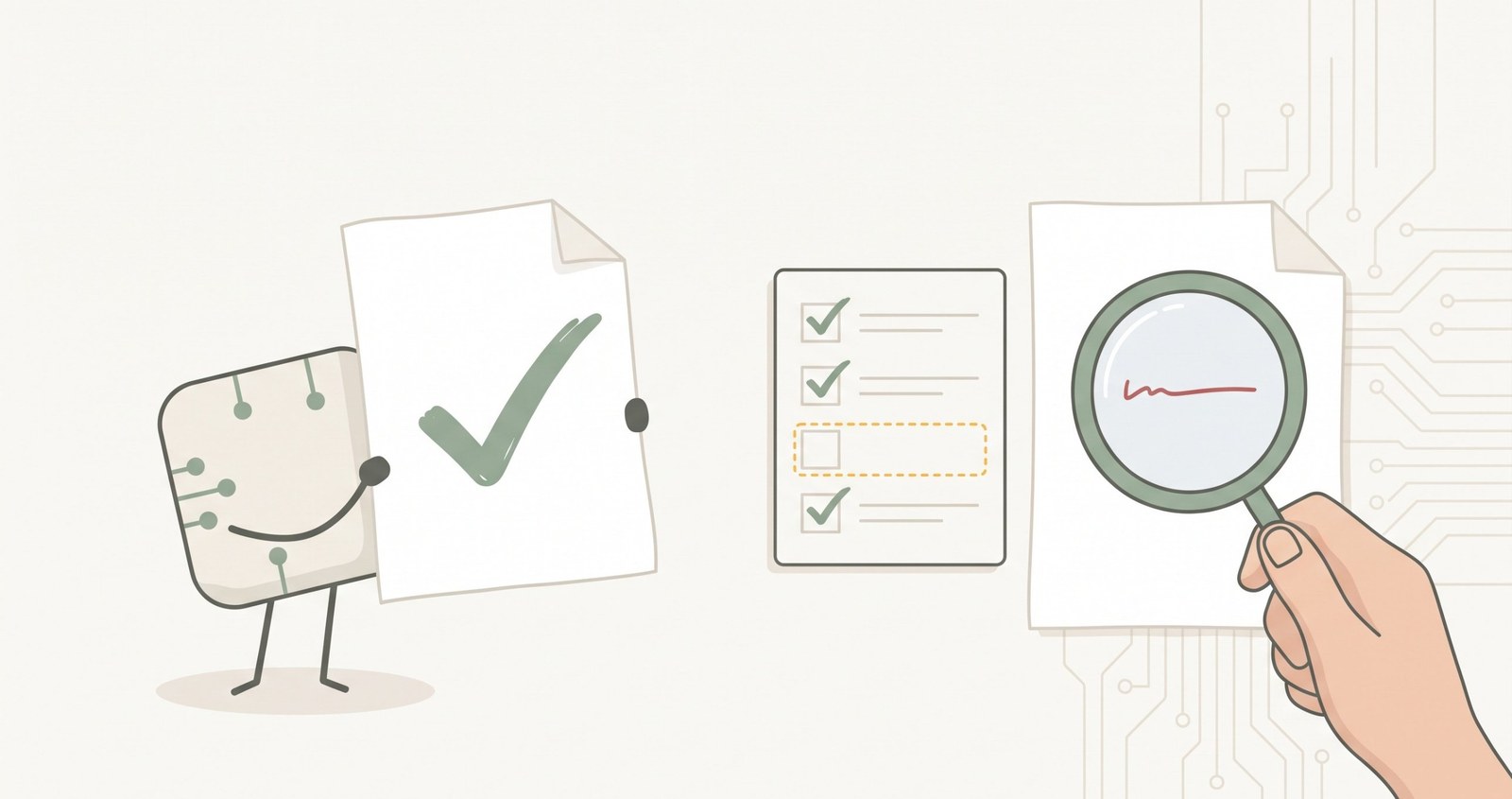
An AI agent tells you it’s done. How do you know it’s true? What I’ve learned building UXMachine, and a few questions to check your agent’s work even if you’re not a programmer.
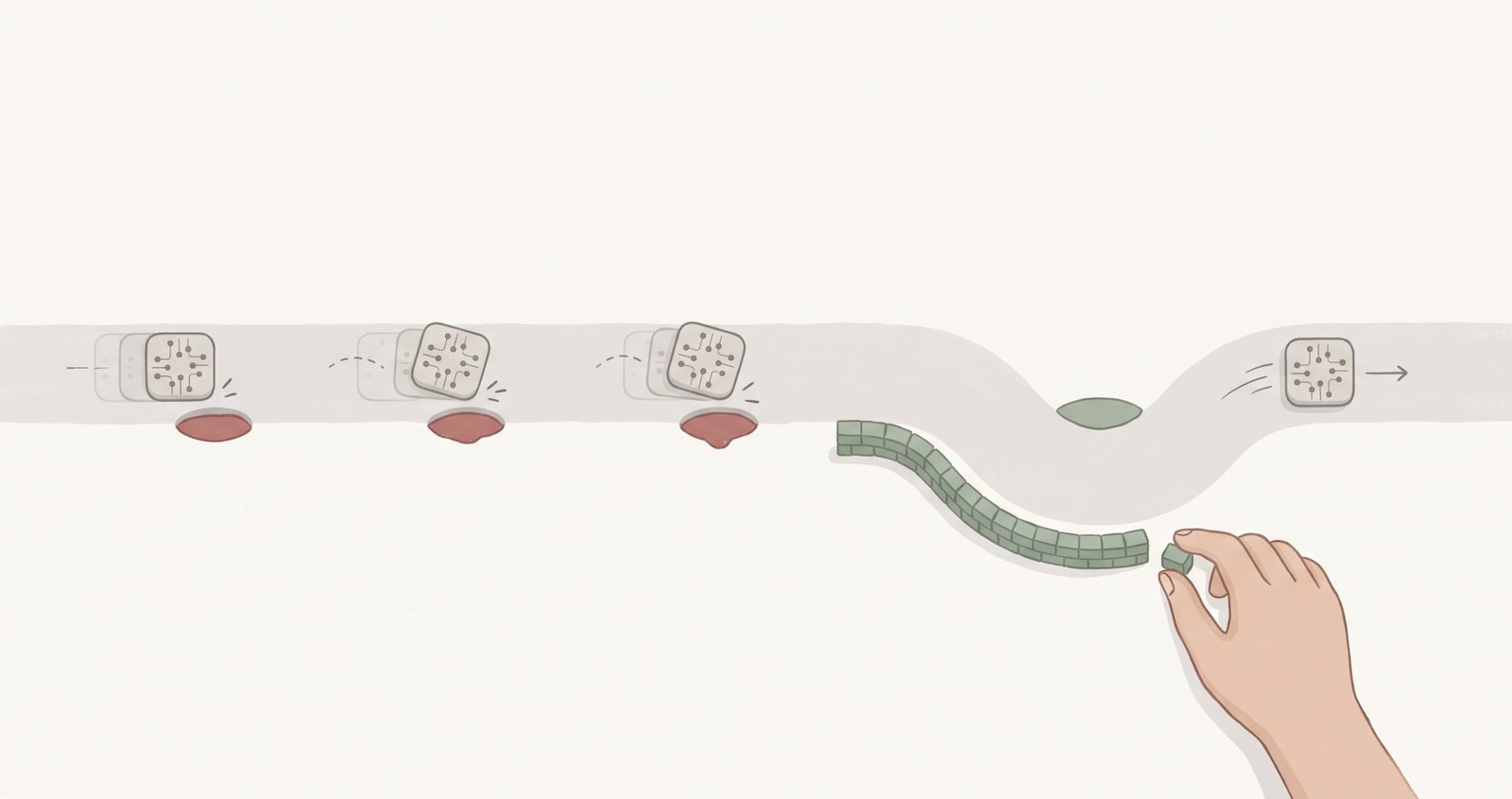
Your agent doesn’t remember it got something wrong yesterday. If you want it not to happen again, what has to change is the system it works in. How to turn a repeated mistake into a change that stays, and why writing it in a file isn’t always enough.

I build, with AI agents, a tool to use AI agents more carefully. This week its bugs were the same ones RosmarOps looks for in yours. This is how we turned each one into a permanent piece of the system.
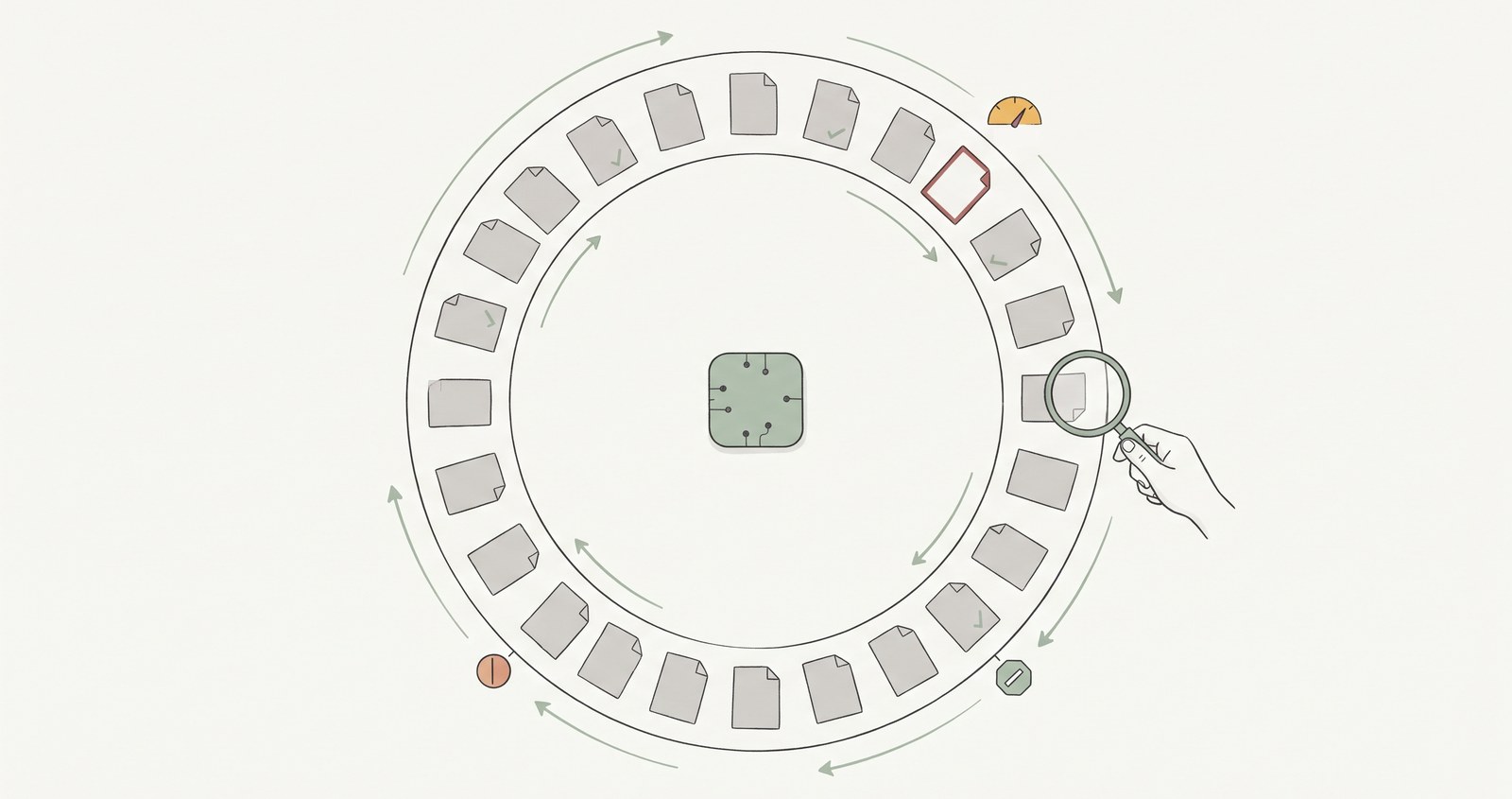
A study examined 36,487 software repositories and confirmed autonomous AI agent loops in 217. More interesting than the percentage is what we know —and what we still don’t— about the controls and results of those systems.
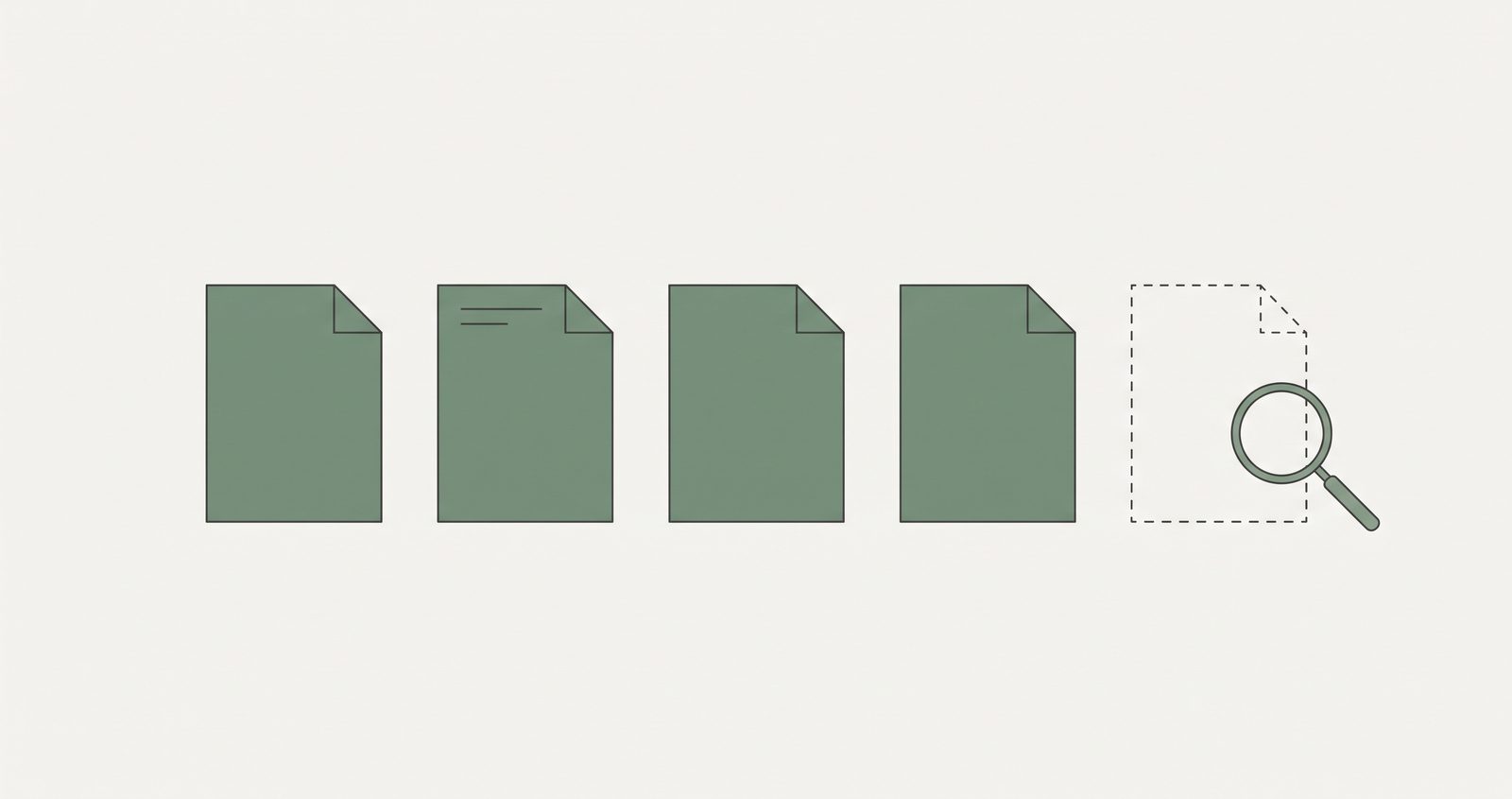
Why RosmarOps refuses to give a score when it couldn’t read something, and why hiding what it reads doesn’t improve it.
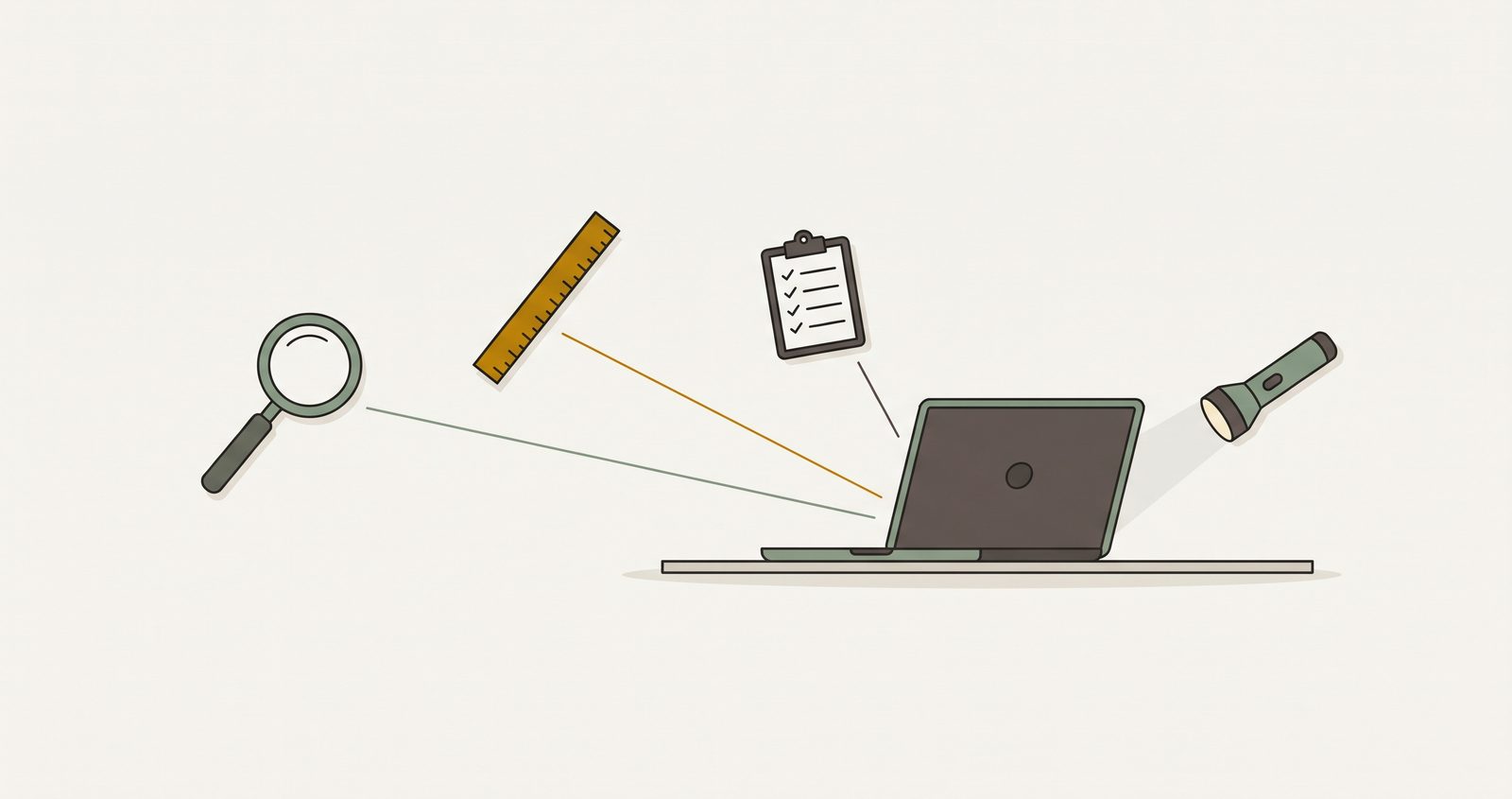
Four open-source tools check the setup of AI coding agents on a developer’s machine.