
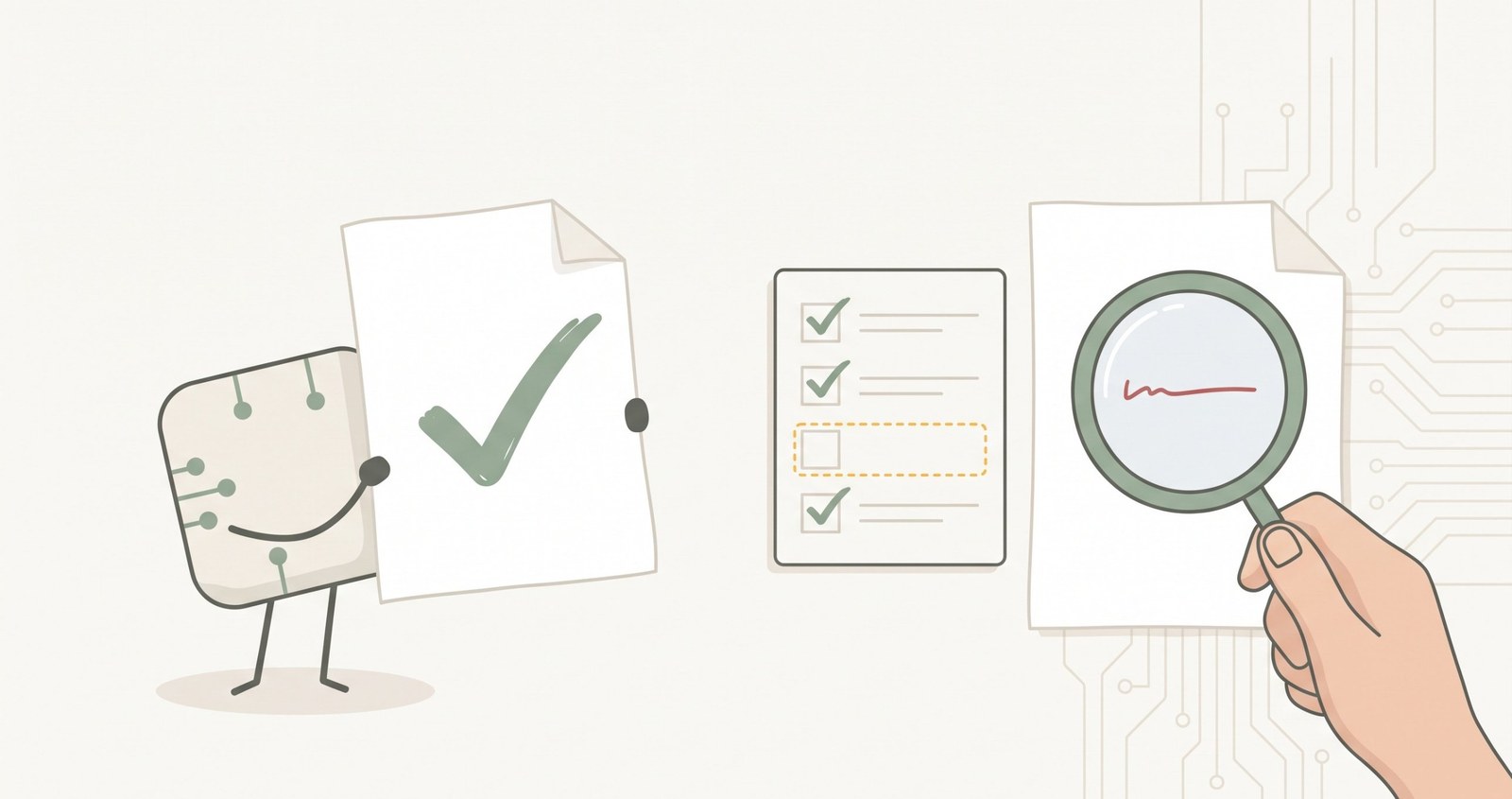
An AI agent tells you it’s done. How do you know it’s true? What I’ve learned building UXMachine, and a few questions to check your agent’s work even if you’re not a programmer.
If you’ve been working with an AI agent for a few weeks, you know the scene. You ask it for something, it works for a while, and at the end it tells you, very sure of itself, that it’s done. That it has made the changes, that the tests pass and that everything works. And you, with forty other things on your plate, are tempted to believe it.
In the previous article I wrote about loop engineering, the idea of letting an agent chain tasks without you sitting in front of it. And I ended with an idea I want to develop now: the hard part isn’t getting the agent to work, it’s knowing what it has done. Addy Osmani, one of the first to give this way of working a name, sums it up in a sentence I wrote down: even with a good verifier, “done” is a claim, not a proof.
What happened to me with UXMachine
At the end of October, an agent handed me a change to the texts of the UXMachine report. The automated tests, those small programs that check the rest still works, were all green. And in its own description of the change, the agent warned about something important: it didn’t only touch the texts, it also shifted the way things are measured.
Nobody read that warning, and the change went live. For a few hours, when comparing two measurements of the same website, some rules could show up as “new” even though the website hadn’t changed. A later review found it, about seventy minutes afterwards. The fix came with a new test that fails if it happens again. I wrote about it in a UXMachine note.
What taught me most is that the agent hid nothing. The warning was in its delivery. What was missing wasn’t a more honest agent, but something that read what it said.
The work loop, without jargon
In this series I separate three loops, following Ichigo. The first is the agent’s own loop: it calls tools and reads what they return. This article is about the second, the work loop, and a school image explains it well.
If a student marks their own exam, they get a very good grade. If someone else marks it, the grade looks more like what they actually know. The work loop is that: the agent delivers something, someone outside checks it, sends back what failed, and the agent tries again.
That “someone outside” can be an automated test, a tool that measures the result, or a person. What matters is that it isn’t the agent itself. If whoever does the task is also the one who signs it off, there is no work loop: there’s a student grading themselves.
Why the agent can’t correct itself
Osmani puts it with humour: the model that wrote the code is far too nice when it grades its own homework. It isn’t bad faith. The agent tends to believe that what it has just done is right, just as we do with a text we’ve just written.
The study of 36,487 repositories I mentioned in the previous article records a name for the most typical failure: verifier theater. These are checks that pass things without really checking them. A step called “verify” in a process doesn’t mean it verifies anything.
The good news is that when the check is done well, it works. Mitchell Hashimoto says so in his account of how he has been bringing AI into his work: if you give an agent a way to check what it has done, most of the time it fixes its own mistakes and doesn’t break what already worked.
Five questions to tell whether a check is any use
In his thread, Ichigo sums up what separates a useful check from a decorative one. I’ve turned it into questions you can ask about your own way of working:
- Can the agent touch the check? If it can change the test or the criterion, sooner or later it will pass itself. The check has to be out of its reach.
- When it fails, does it say what failed? “Tests don’t pass” isn’t much use. “I expected this, this other thing happened, and it was here” lets it fix things.
- What happens if it gets stuck? Besides “good” and “bad”, it needs a third outcome: “not moving”. If nothing changes after several attempts, trying again only spends.
- Is there a limit that enforces itself? A cap on attempts or spending that the tool applies, not one you ask for nicely. In the study, only 101 of the 256 repositories reviewed had one.
- Who has the final word? A green result is still a proposal until a person accepts it.
What you’ve seen and what you’ve assumed
The distinction that has helped me most is this: have I seen this, or have I assumed it? “The page loads” is something you’ve seen. “The page works” is almost always something you assume.
An agent mixes the two without warning. I saw it on 1 November with five agents using UXMachine to measure a website. All five measured correctly, and three reported the result wrongly: they said there was nothing important and didn’t mention what couldn’t be checked. It’s a one-day test with five agents, but it shows the problem well.
That’s why in UXMachine I try to keep the two apart. Each observation says where it was seen and what was measured. What it knows it couldn’t check, it says, instead of keeping quiet. And something no longer showing up doesn’t mean it’s solved: if it couldn’t be checked in one of the two measurements, UXMachine says they can’t be compared, not that the problem has gone. I explained it in another note.
There’s a limit I don’t want to hide: a tool can only warn you about what it knows it hasn’t checked. What it doesn’t detect, it can’t warn you about.
The same goes for automated tests. At the end of September, the tests for one part of UXMachine were green, but they ran with tools that the published version doesn’t include. The first time anyone really used it, it would have failed, and no test could see that. We caught it before publishing. The fix was for the program to refuse to start if it finds something it can’t check, instead of letting it through silently. A green test says something works where it was tested, not where it will be used.
What a reliable result costs
A result you can trust costs more than one that only looks finished. It costs time checking, rounds of fixes and, sometimes, starting again.
That cost is rarely looked at. In the study, only 10 of the 256 repositories reviewed recorded what their loops cost. Without that figure it’s easy to believe the agent comes for free, and that the more rounds it does, the better.
Before you accept something
You don’t need to be a programmer to ask these four questions every time an agent says it’s done:
- Have I seen the result myself, or only read what the agent says it did?
- What couldn’t be checked?
- Who or what checked it, and could the agent change that?
- Was it tested in the same place where it will be used?
If any answer is “I don’t know”, it isn’t done yet.
Checking isn’t enough
The work loop fixes today’s result. But if tomorrow the agent makes the same mistake, you pay for the same check and the same fix again. Checking fixes the result; it doesn’t fix what produces it.
That’s what the next article in the series is about: AI doesn’t learn from its mistakes. Your system should.
Sources: Addy Osmani, “Loop Engineering” (7 June 2026); Mitchell Hashimoto, “My AI Adoption Journey” (5 February 2026); Lulla et al., “Loop Engineering: Building Blocks, Adoption, and Impact”, arXiv:2608.21884, version 3 (22 October 2026); Ichigo’s thread on X (5 November 2026); UXMachine notes of 28 October and 6 November 2026.
Written with the help of AI assistants. The examples, the interpretation and the decision to publish are mine.