
También en español: rosmarops.com/es/blog/modo-auto-claude-code-que-puede-leer/
Of what RosmarOps found on my machine, part was my own doing: permissions I’d been granting so I wouldn’t have to approve every command. The other part wasn’t my decision. It came from the mode Claude Code starts in.
According to Claude Code’s documentation, from version 2.1.283 auto mode is the built-in starting permission mode for interactive terminal and VS Code sessions. If you haven’t picked another mode and auto mode is available in your session, that’s the one you’re in. If it isn’t available, Claude Code starts in manual mode.
What changes
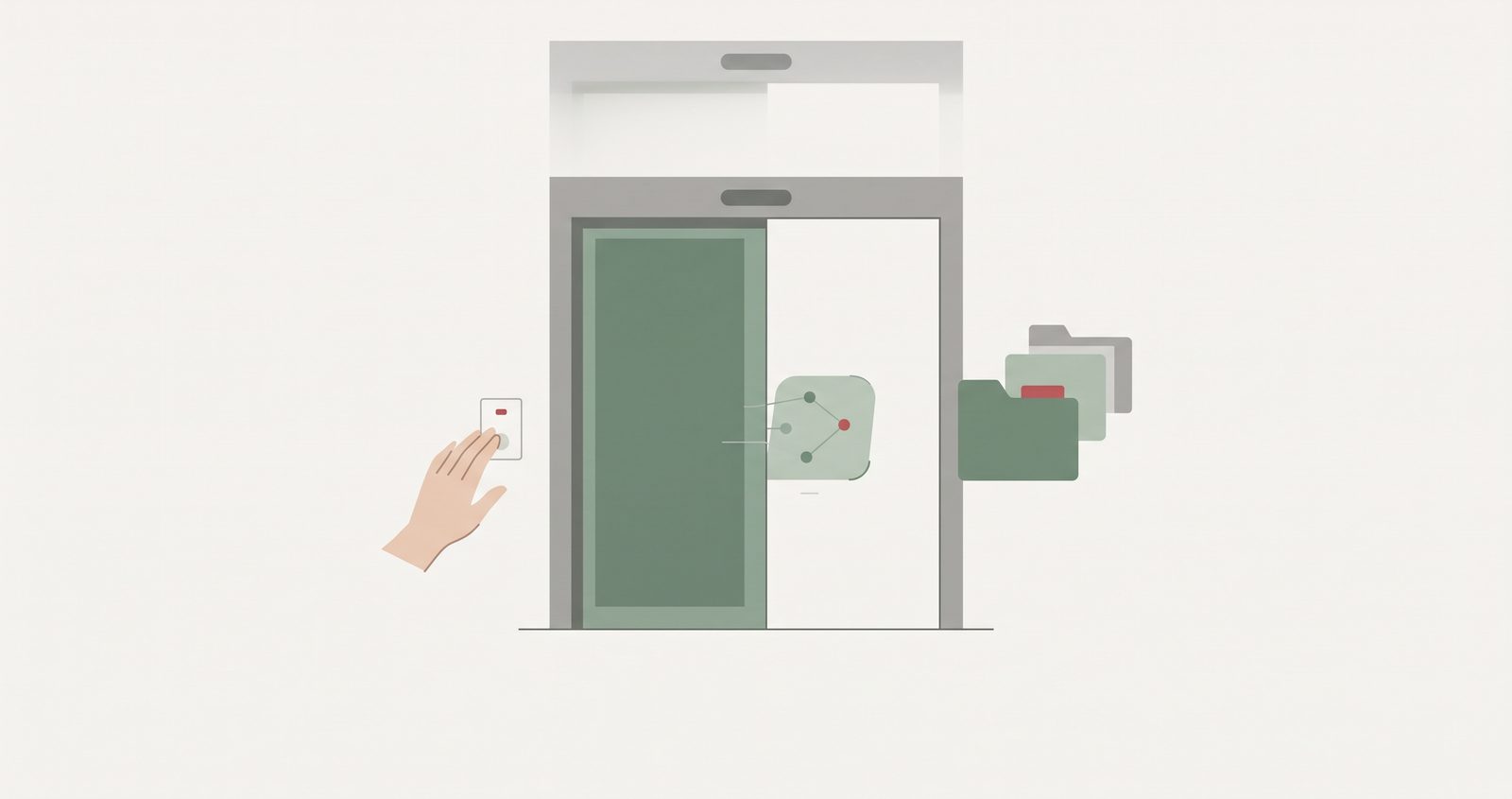
In auto mode, reads and edits inside the project are approved automatically. Almost everything else is decided by a classifier, which is another AI model. Only a few actions still ask you.
I’m not saying that’s wrong. It’s convenient, and I understand why it exists: approving every command by hand gets tiring, and that’s exactly why I’d pre-approved commands myself. But it changes the question you need to ask. In manual mode, it’s “what will I approve?”. In auto mode, it’s “what can this agent reach without asking me?”. And I hadn’t asked myself that second one.
Getting back in the loop
The documentation lists actions that Claude Code doesn’t auto-approve in any mode. One of them is anything matched by an explicit ask rule. So an ask rule is how you say “always ask me about this”.
Beyond that, the documentation gives a few levers, and they’re the ones RosmarOps proposes when they fit.
The first is permissions.blockReadsOutsideWorkingDirectories. It makes the file tools refuse paths outside the working directories, in every permission mode. When they read outside the working directories, the file-reading commands Claude Code recognises in Bash prompt, even in auto mode.
The second is Read and Edit rules, and here there’s small print. The documentation says Read and Edit deny rules apply to Claude Code’s own file tools and to the file commands it recognises in Bash, such as cat or sed, but not to a command that reads files without naming them, such as grep -r pattern ., or to a script that opens files itself. RosmarOps assumes the same limit for the Read ask rules it proposes, so it calls them partial and doesn’t raise the score for them. They help, but they don’t close the door.
The third is the most direct: going back to manual. Set permissions.defaultMode to default in ~/.claude/settings.json, and every terminal session on that machine starts in manual mode.
What RosmarOps does here
It reads the starting mode set in your settings files, the rules you’ve added and which credentials are within reach. A mode you pick in the app or the IDE isn’t stored where it can read it, and the report says so. It doesn’t change any of it: it suggests, and you make the change.
If you use Claude Code, a good place to start is opening your ~/.claude/settings.json and seeing what’s in it. It takes a minute.
I wrote this with AI assistants. The machine, the findings and the decision to publish are mine.